Batchmates
College Code
How to Get YourCollege Code
Follow the steps below to get your official Batchmates college code.
Minimum Requirement
To receive a college code, minimum 50 students from your college must register on the Batchmates app.
How It Works
Follow these simple steps to get your college code and unlock exclusive access.
Open Batchmates App
Launch the app to get started.
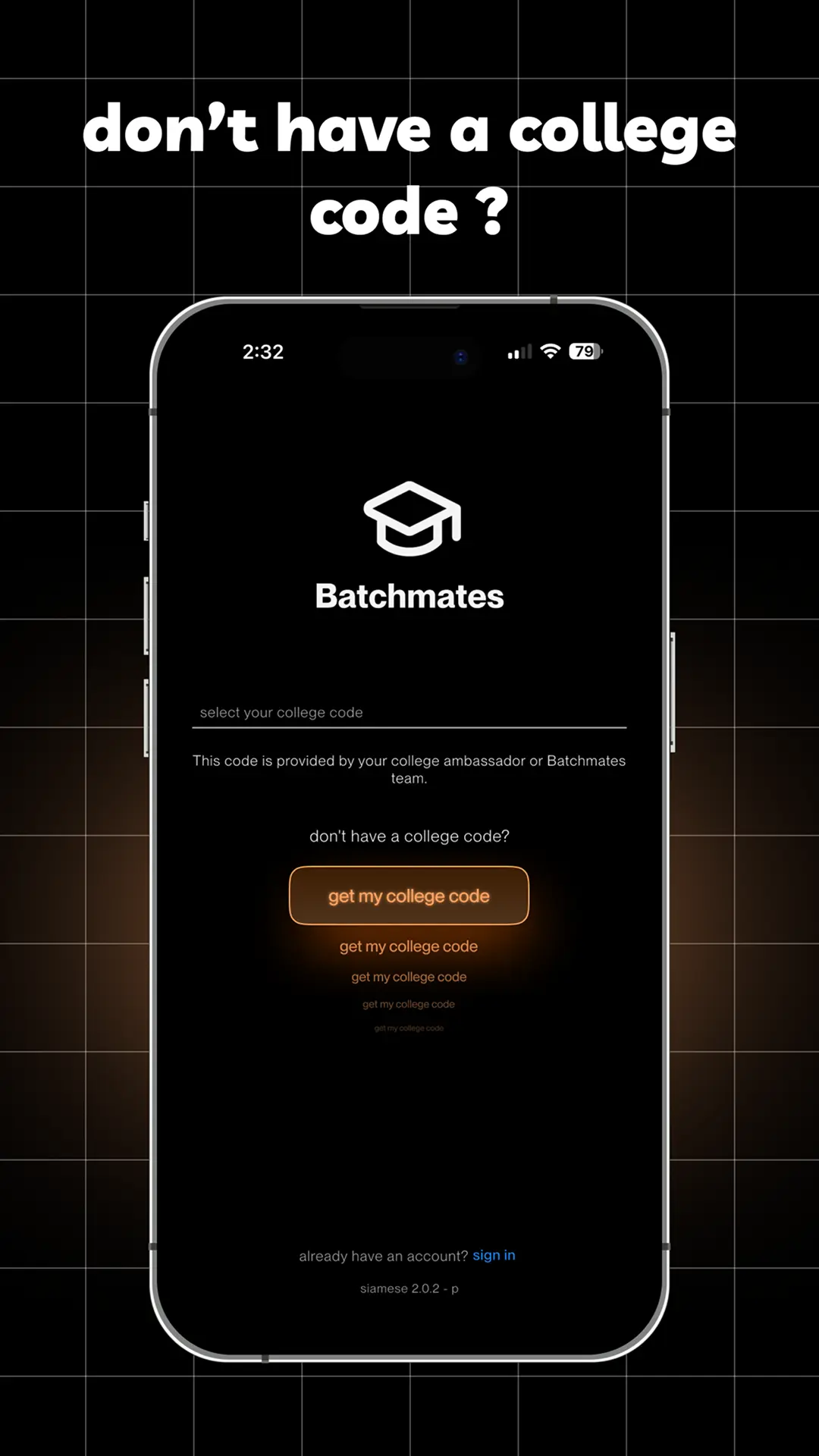
Tap "Get My College Code"
Find the option on the Enter College Code page.
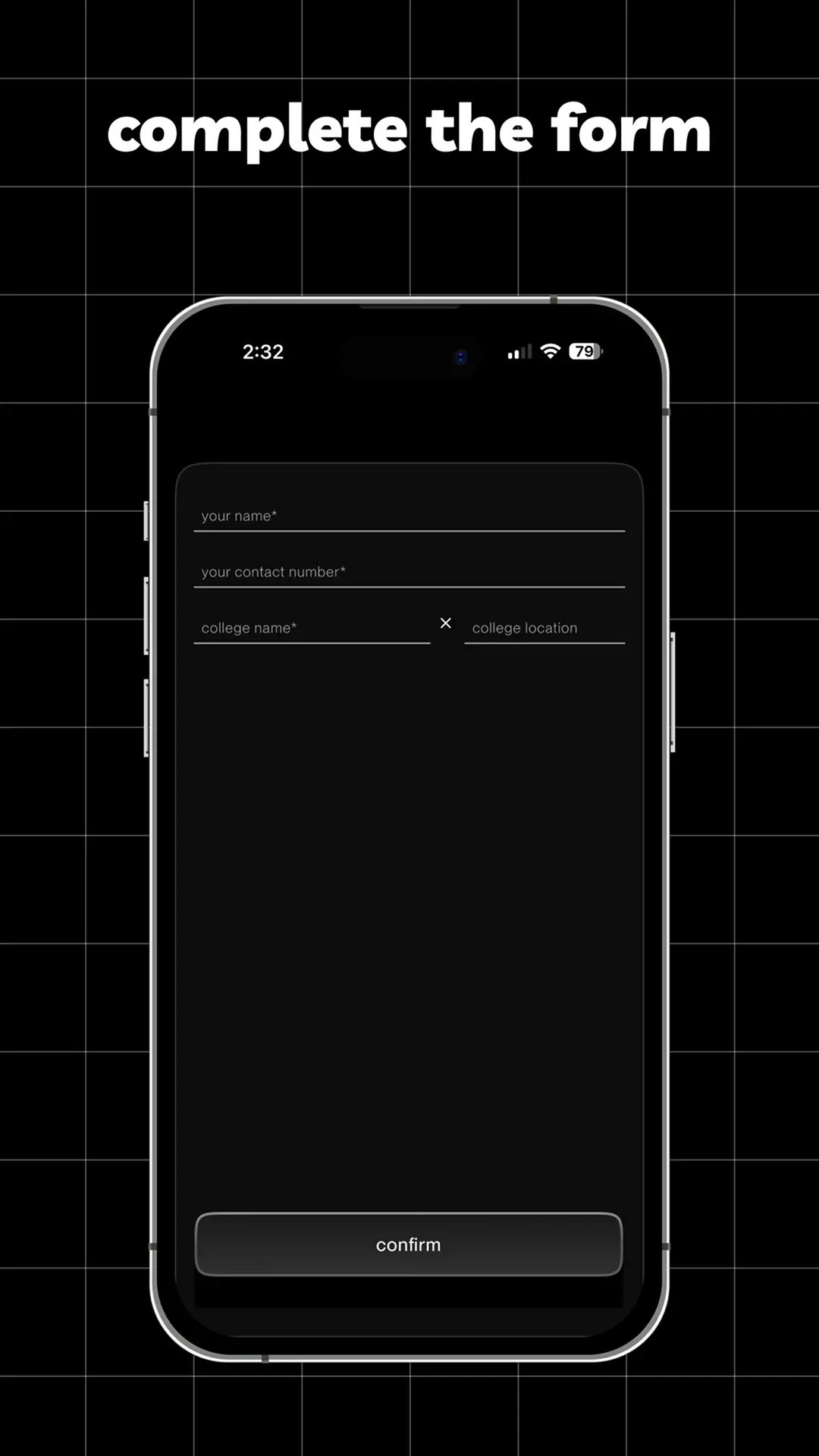
Enter Details & Confirm
Fill in your name, contact, and college name.
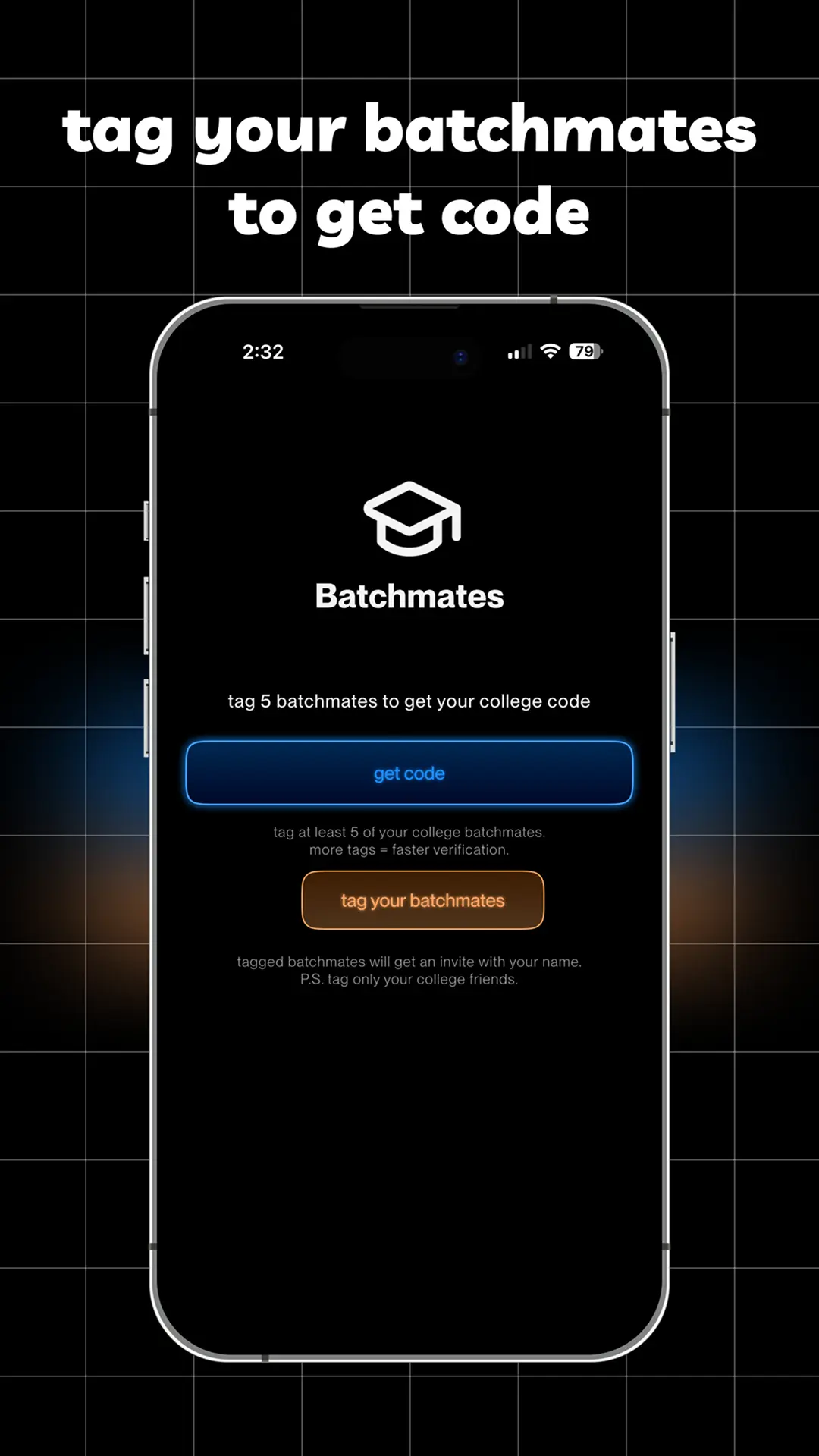
Tag 5 Batchmates
Tag at least 5 friends to complete the process.
Why You Need a College Code
A college code isn't just a password—it's your key to a private, verified, and secure campus community.
Exclusive Access
Unlock a private feed dedicated solely to your college. Connect with batchmates, seniors, and alumni in a secure space.
Verified Community
Every member is verified with a student ID or college email. No outsiders, no spam, just real students from your campus.
Campus Events
Stay updated on everything happening on campus—from fests and workshops to club meetups and exam schedules.
Common Questions
Ready to Connect?
Join thousands of students already using Batchmates to build their campus community.